
PANEL//FORGE
Design finger-jointed plywood boxes, shelves and panels in 3D, then cut them on a laser or CNC. Free, and it runs in your browser.
What it does
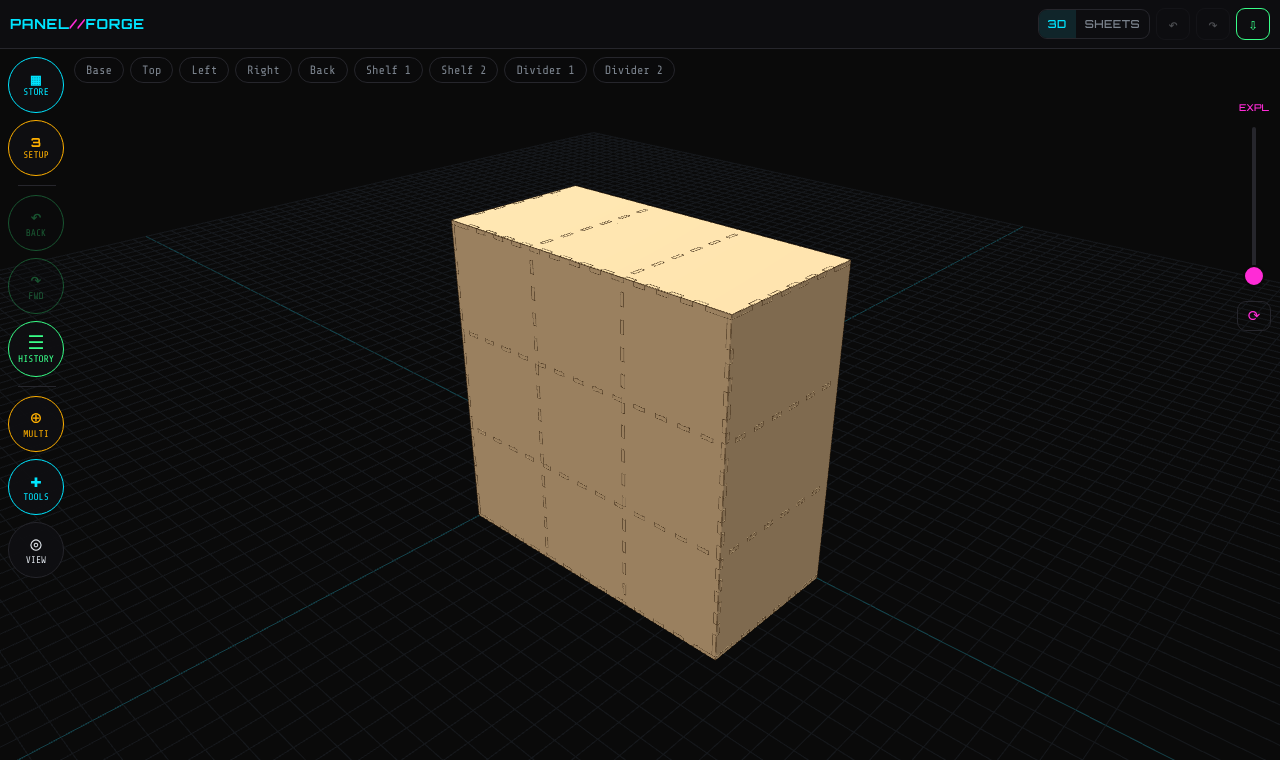
Drag panels in 3D
Add a panel, then move and size it right in the 3D view. Tap a face and the controls open where you tapped, working along that face.
Finger joints that just work
Panels meet with finger joints cut for you. Set ply thickness and finger width, and add shelves and dividers wherever you want them.
Start from a preset
Begin with a box, tray, cubby or shelf unit and change it, or build any shape you like from free panels.
Wedged through-joints
Let fingers poke past the outside of a box and lock it with a wedge. Pick which joints get them. The wedge maker adds the wedges to your sheets.
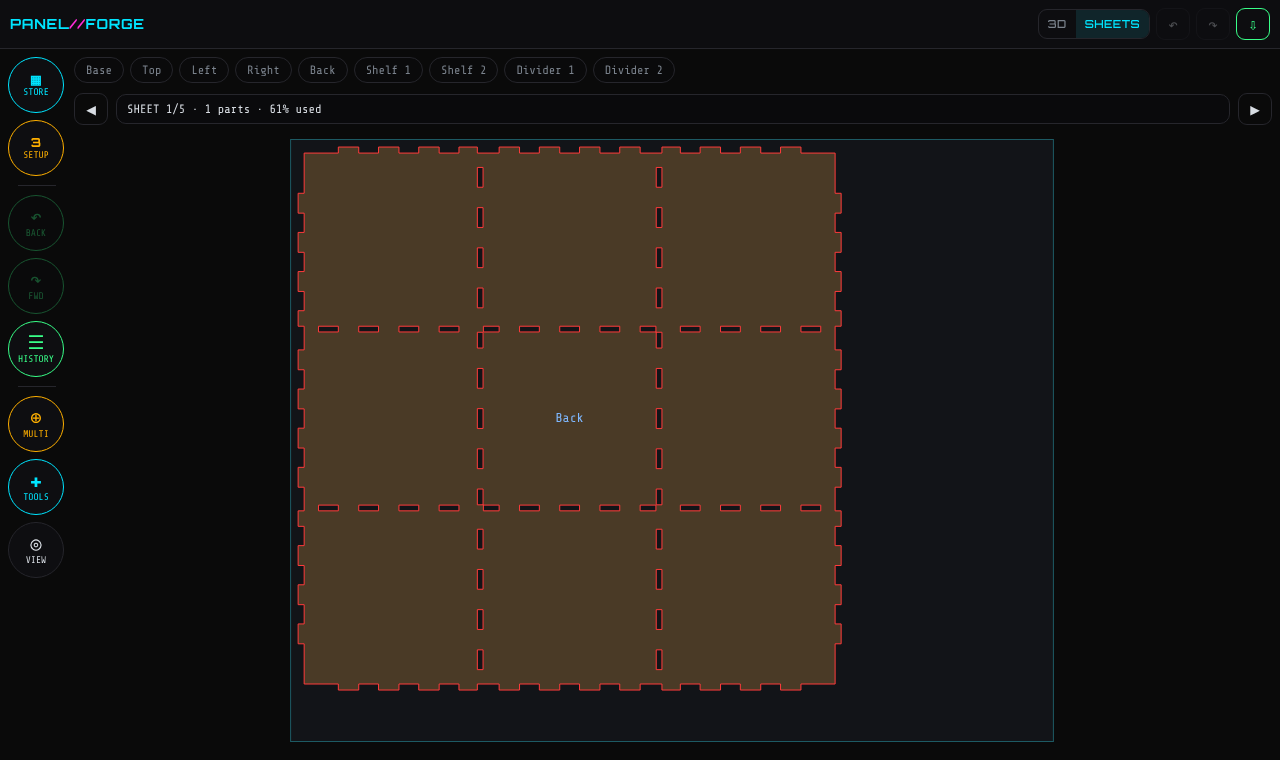
Cut sheets and cut list
Parts are laid out on sheets for you, with a count of how many sheets you need and how full each one is.
DXF and SVG for laser or CNC
Closed outlines on separate layers for outside cuts, inside cuts and engraving, with true circles.
Made to fit your ply
Enter the ply thickness you actually measured, save material profiles, and set a fit clearance so joints go together how you like.
Works on a phone
A side rail of round buttons, long-press for multi-select, a first-run guide, and a toggle for inches.
Private by design
Everything runs in your browser. Fonts and 3D code are served from this site, there are no accounts and no tracking, and your designs stay on your device. Save and load them as a file.
Good to know
PANEL//FORGE is built for laser cutting plywood. Check the first cut in scrap ply before you cut a full set, as ply thickness and your machine’s kerf vary.
Open PANEL//FORGE Try the van planner Time, Talent, Treasure